
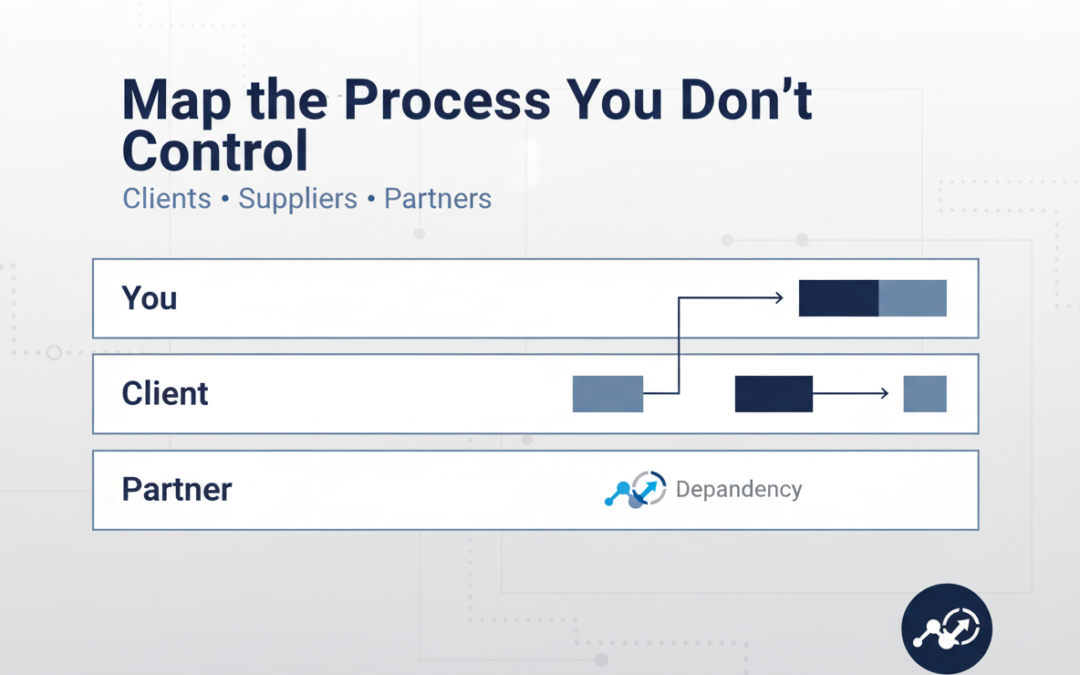
Clients, Suppliers & Partners
If you’ve ever thought, “I can’t fix this process because the client/supplier is the problem,” you’re not wrong, but you’re not stuck either.
In most small businesses, the messiest delays don’t happen inside your business. They happen in the gaps between you and someone else: a client who doesn’t send what you need, a supplier who changes lead times, a partner who replies when they feel like it.
The good news: you don’t need control to create clarity. You just need a map that shows what you own, what they own, and what happens when reality doesn’t match the plan.
Why “uncontrolled” processes cause the most pain
External dependencies create three predictable problems:
- Waiting time (you can’t progress until they act)
- Rework (you start with partial info, then redo it later)
- Misaligned expectations (they think you’re working; you’re blocked)
A process map makes these visible — and once they’re visible, you can design around them.
The mindset shift: map the interface, not the person
You’re not mapping someone else’s behaviour to judge it. You’re mapping the interface between organisations so you can:
- reduce back-and-forth
- set expectations early
- create triggers and reminders
- build “if this happens, do that” pathways
In other words, you’re designing a system that works even when humans are inconsistent.
Step 1: Pick one process with real consequences
Choose a process where delays hurt:
- onboarding a new client
- getting approvals on a proposal
- collecting information to start delivery
- supplier ordering and fulfilment
- invoice approval and payment
Tip: start with the one that creates the most “chasing”.
Step 2: Define the start and the finish in one sentence
Write these two lines before you map anything:
- Start: “This process starts when…”
- Finish: “This process is complete when…”
Example (client onboarding):
- Start: “A client says yes and pays the first invoice.”
- Finish: “The client has access, knows the next step, and delivery can begin without blockers.”
This prevents the most common mapping mistake: a map that never ends.
Step 3: Draw two swimlanes: Us and Them
Keep it simple. Two lanes are enough for most situations:
- Us (your business): actions you control
- Them (client/supplier/partner): actions you depend on
If needed, add a third lane for a tool/platform (e.g., “Payment system” or “CRM”), but don’t overcomplicate.
Step 4: Map the “happy path” in 8–12 steps
Write the ideal flow first. Short, clear steps.
Example (supplier fulfilment):
- Us: Place order with PO number
- Them: Confirm receipt + lead time
- Us: Confirm delivery date with customer
- Them: Dispatch goods
- Them: Send tracking info
- Us: Update customer
- Them: Deliver
- Us: Confirm receipt + close order
At this stage, you’re building a shared picture of reality.
Step 5: Mark the dependency points (the waiting zones)
Now highlight every step where you can’t move forward until they do something.
These are your dependency points. They’re where:
- projects stall
- stress rises
- customers get frustrated
If you do nothing else, identifying these points is already progress.
Step 6: Add the “exceptions” — the real world
For each dependency point, add 1–3 common exceptions:
- They don’t reply
- They reply with incomplete info
- They change their mind
- They miss the deadline
- They approve, then un-approve
This is where your map becomes useful rather than decorative.
Step 7: Design your control levers (what you can change)
You can’t control people — but you can control the environment around the process.
Here are practical levers that work:
1) Inputs checklist (make it impossible to start with missing info)
Create a short list: “To begin, we need…”
- Keep it to 5–10 items
- Use plain language
- Include examples (screenshots, templates)
2) Clear deadlines with consequences
Replace vague requests (“ASAP”) with:
- “Please send X by Tuesday 3pm so we can deliver by Friday.”
- “If we don’t receive it by then, delivery moves to next week.”
This isn’t harsh — it’s honest scheduling.
3) A single point of contact
Many delays come from “too many voices.” Define:
- who approves
- who supplies information
- who gets updates
4) Pre-written nudges (reduce emotional chasing)
Write 2–3 follow-up messages you can reuse:
- Day 1 reminder
- Day 3 reminder
- “We’re blocked” message
When you’re busy, templates prevent you from either over-chasing or avoiding the chase.
5) A “blocked” status and a restart rule
Decide what happens when you’re waiting:
- When do you mark it blocked?
- Who gets notified?
- What’s required to restart?
This protects your time and keeps your pipeline honest.
Step 8: Turn the map into a Client Responsibility Matrix
This is the simplest tool that prevents most external-process chaos.
Create a one-page table with:
- What we do
- What you do
- By when
- What happens if it’s late
Keep it friendly, not legalistic. The goal is alignment.
Step 9: Add a “definition of done” for each handoff
At every handoff, define what “complete” means.
Example:
- “Brief received” doesn’t mean “a paragraph in an email.”
- It means “brief template completed + assets attached + approval contact confirmed.”
This reduces rework dramatically.
Step 10: Review the map with one question: where do we bleed time?
When you look at the finished map, ask:
- Where do we wait the longest?
- Where do we repeat ourselves?
- Where do we get surprises?
Then pick one improvement to implement this week. Not ten.
A quick example: mapping a client approval process
Here’s what a simple “uncontrolled” approval map often reveals:
- You send a draft
- The client forwards it internally
- Someone new appears with new requirements
- The deadline slips
- You redo work
A better mapped-and-managed version adds:
- one named approver
- one deadline
- one feedback format (e.g., comments in a doc)
- one rule: “new requirements after approval are a change request”
Suddenly, you haven’t controlled the client — but you’ve controlled the process.
Closing: you don’t need control — you need a design
Mapping a process you don’t control isn’t about forcing others to behave.
It’s about building a clear interface that:
- makes responsibilities explicit
- prevents missing inputs
- reduces chasing
- protects your delivery timelines
If you want a simple next step, pick one external dependency process and create:
- a two-lane map (Us/Them)
- an input checklist
- a responsibility matrix
That combination alone will make your business feel calmer — and more professional — almost immediately.